Now on the Mac App Store and the Microsoft Store
KillEXIF for Mac and Windows
Version 1.0 is on the Mac App Store and the Microsoft Store. Downloading it is free, and so is seeing what any file reveals — along with cleaning JPEG, PNG, GIF and office documents.





The website will not be crippled
KillEXIF in your browser cleans the same files the app cleans, and it will keep doing it free and whole. A privacy tool that hides features to push you into paying loses the very thing that makes it credible.
What the app charges for is what a browser cannot give:
- 01
Cleaning from Finder or File Explorer
Through the context menu, without opening a page.
- 02
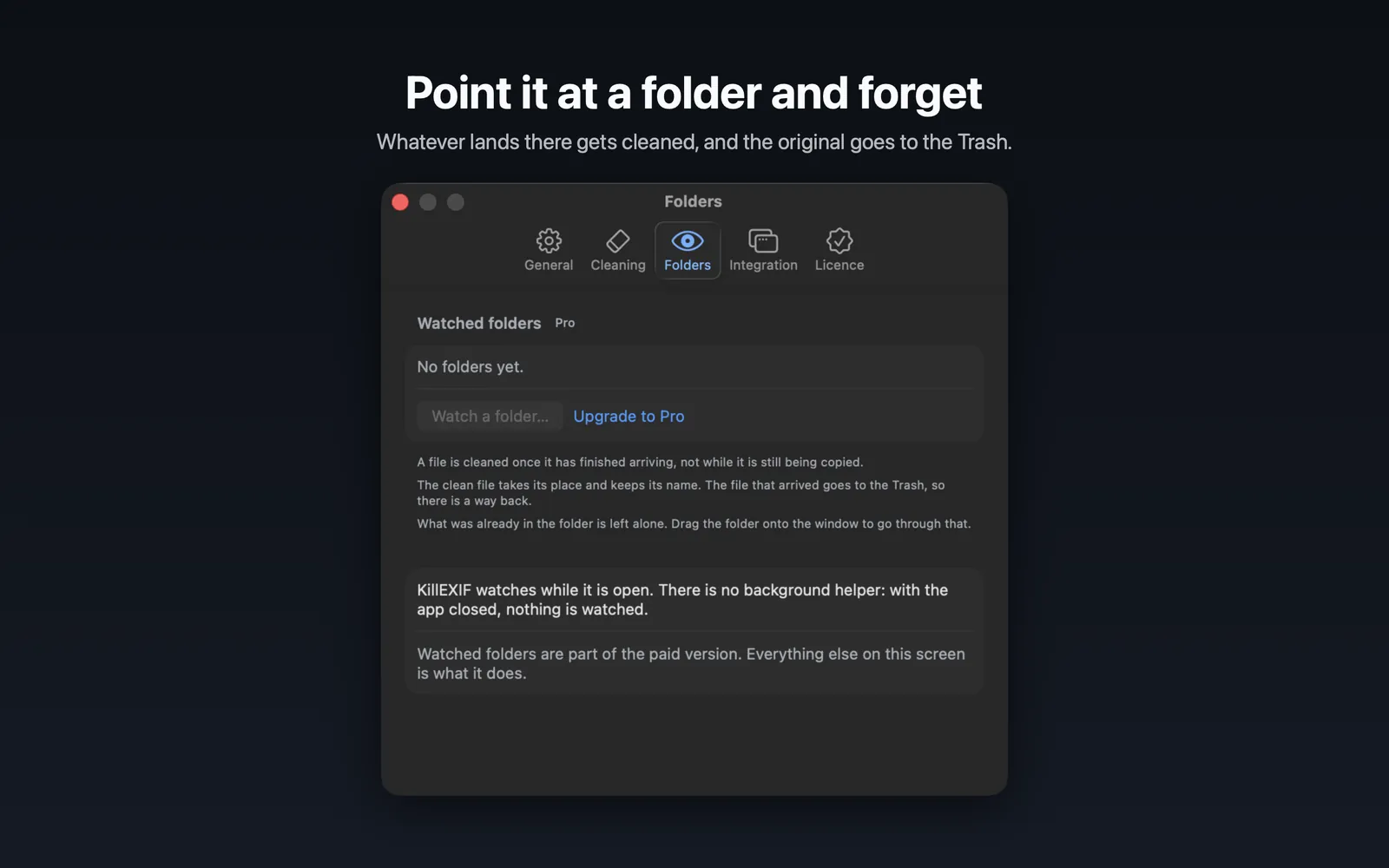
Watched folders
Anything dropped in gets cleaned on its own.
- 03
No size ceiling
A browser has a memory limit; a native app does not.
- 04
Profiles and batches
Save what goes and what stays, then apply it to thousands of files.
macOS · Files
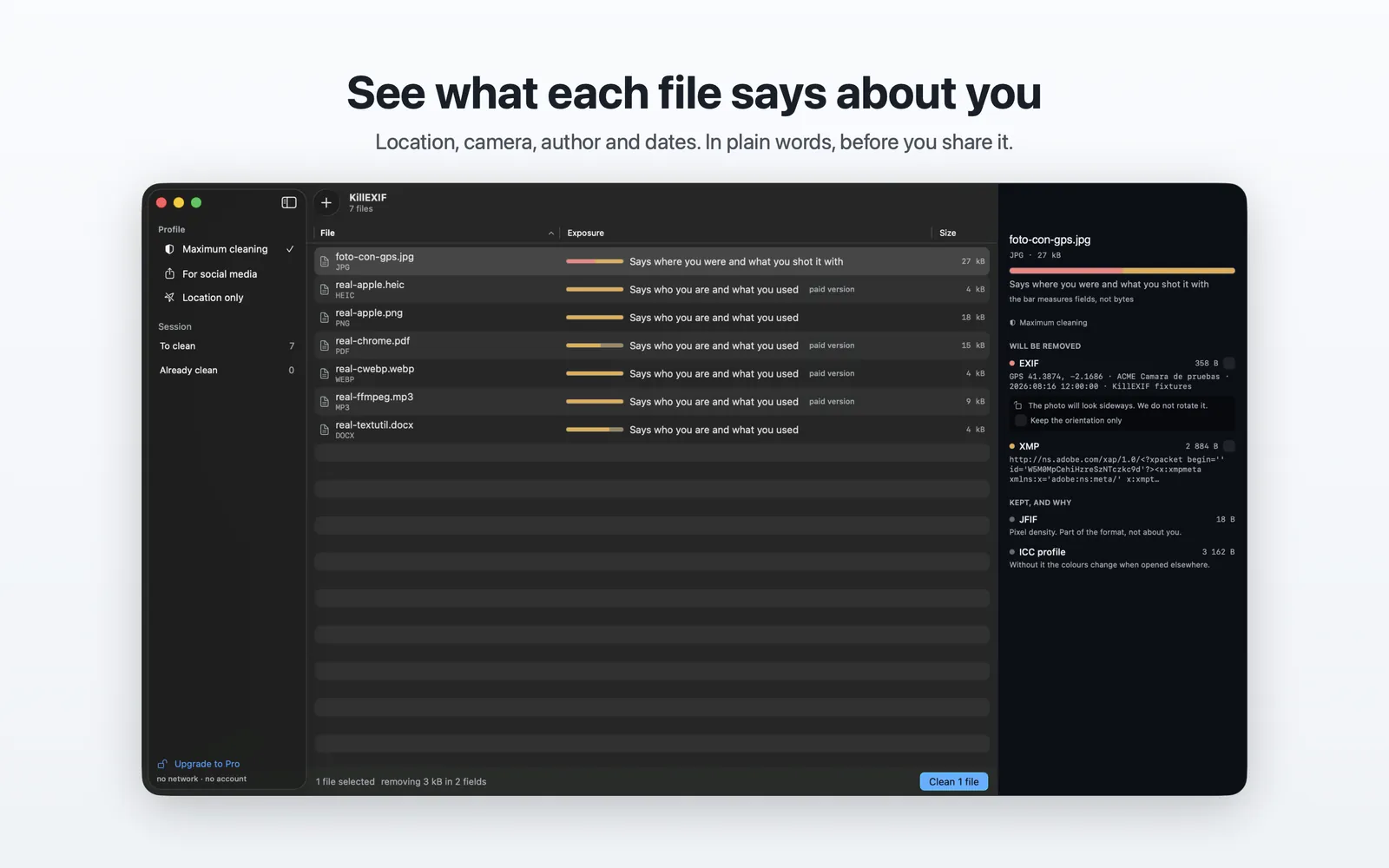
macOS · Watched folders
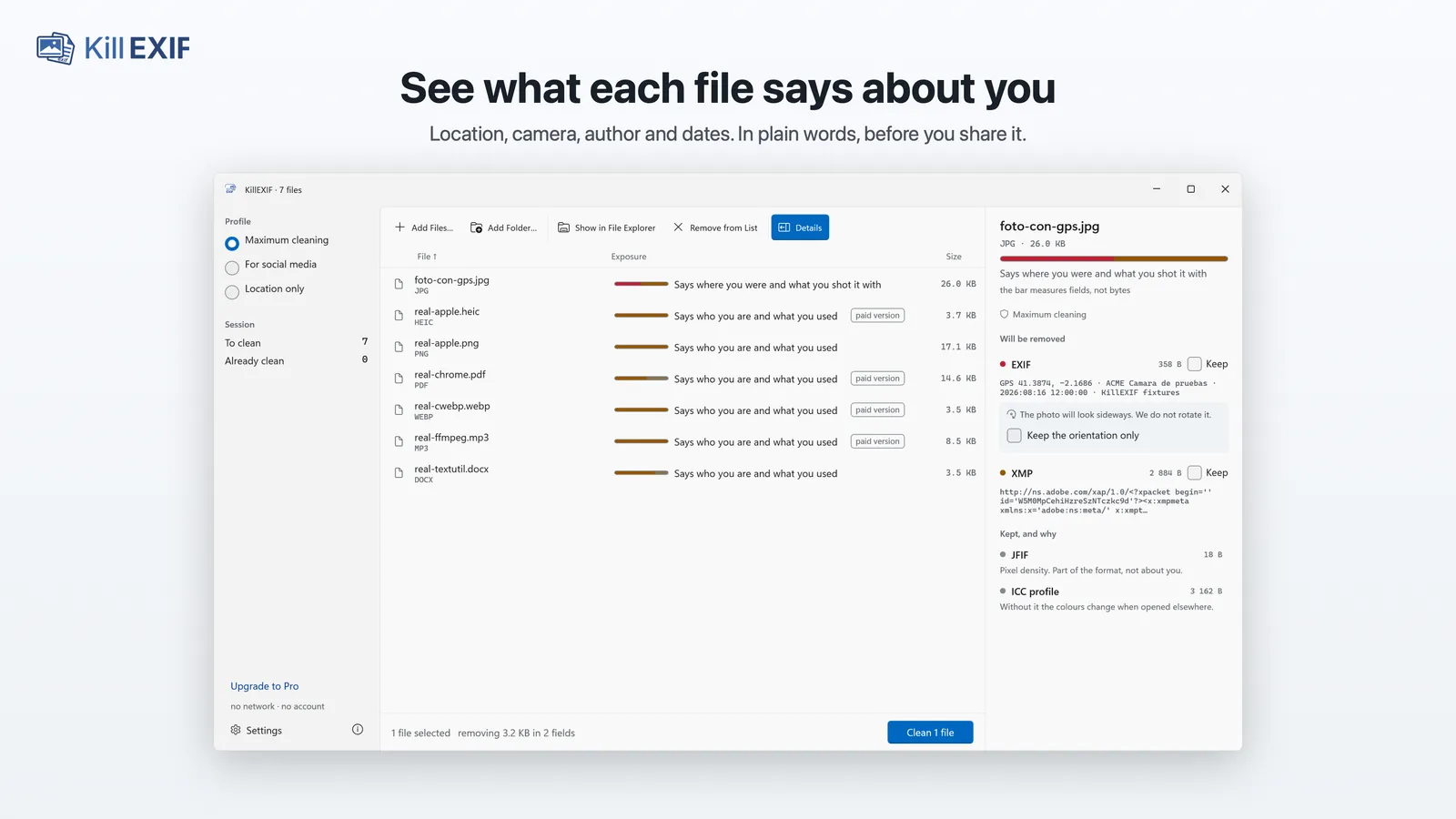
Windows · Files
Windows · Watched folders
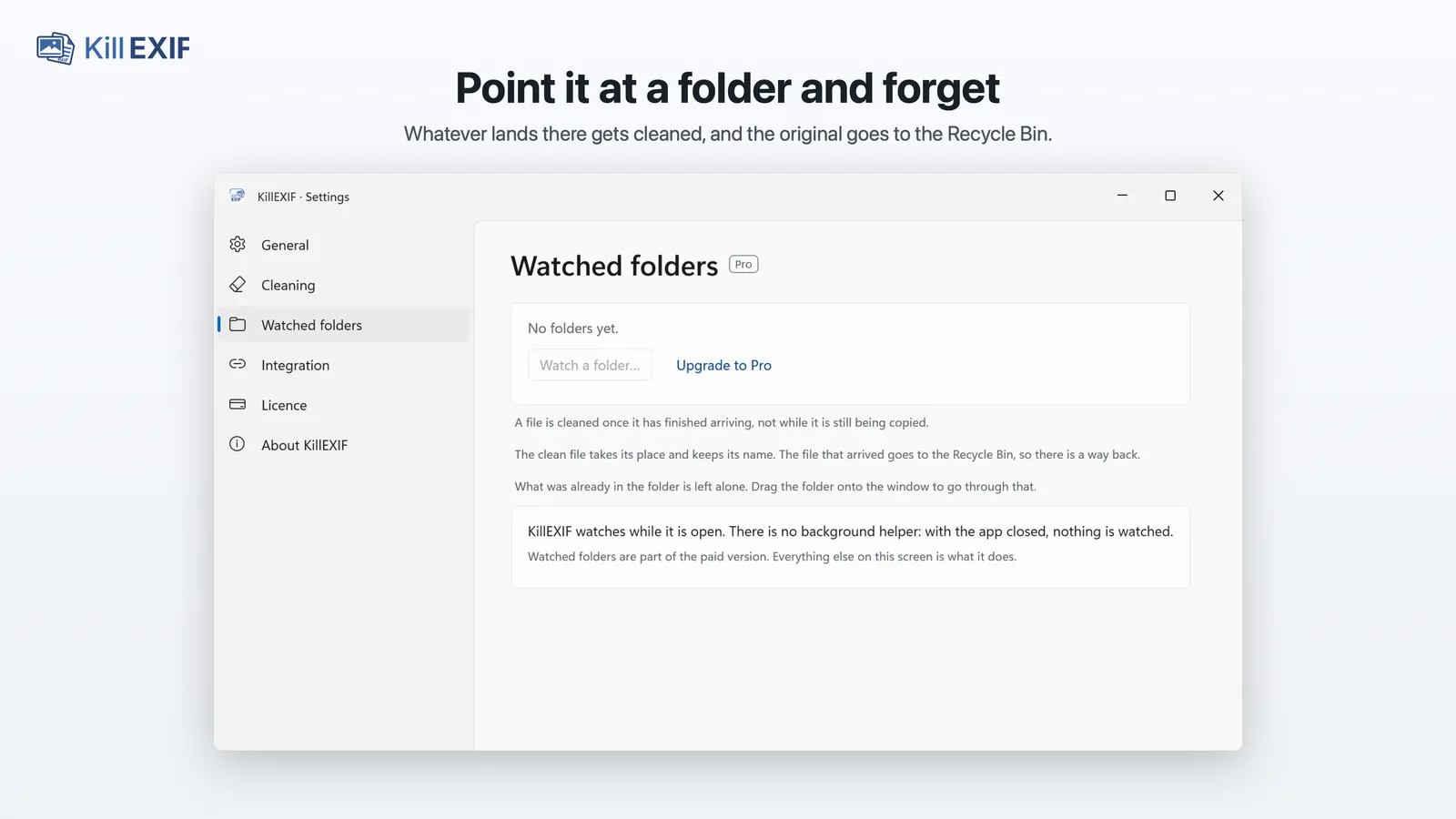
Screenshots of version 1.0 for Mac and Windows.
The same engine and the same rules
Nothing is re-encoded. The metadata blocks are removed and the compressed data is left untouched, byte for byte, exactly as here.
Nothing leaves your machine. And whatever cannot be cleaned safely is said out loud, instead of handing the file back untouched and calling it clean.
The engine is rewritten in Swift for Mac and in C# for Windows: it is not this website wrapped in a window. To keep the three implementations from drifting apart, there is a conformance suite built on real files that all of them have to pass, case by case.
What each version includes
| What each version includes | Free | Pro |
|---|---|---|
| See what every file reveals, with no limit | Included | Included |
| Clean JPEG, PNG, GIF and office documents | Included | Included |
| No cap on files or folders | Included | Included |
| Clean straight from the Finder or File Explorer | Included | Included |
| Clean HEIC, WebP, TIFF, video, audio, PDF and ZIP | Not included | Included |
| Watched folders that clean themselves | Not included | Included |
Analysing is free for every format: the paid version shows nothing the free one hides.
What it costs
One payment
€99.99
It does not expire.
Every year
€9.99 a year
It renews, and you can cancel whenever you like. It starts with a free week unless you have already used one with your Apple Account or Microsoft account.
Download on the Mac App StoreDownload from the Microsoft Store
Both give you exactly the same while they are alive, and both are bought inside the app. Each purchase counts in the store it was made in: the Mac and Windows apps are bought separately.
An app with no server and no account cannot charge every year to “keep the service running”, because there is no service to keep running. What there is instead is work that never ends: every version of macOS and Windows moves something, and every new camera or phone brings a format variant that has to be examined with real files. That is what the yearly fee pays for. The one-off payment costs considerably more and is for whoever would rather not think about it again.
In other currencies, whatever each country’s store charges.
Where it stands
macOS first, released in August 2026, then Windows, in September. iPad and iPhone will be looked at later: today there is neither a commitment nor a date.
There is no mailing list to join, because this site neither sends nor receives anything — the same policy that keeps your files from leaving. What each version brings is in the release notes.
- macOS 1.0.1Published
- Windows 1.0.1Published